[ENG] CloudZIP 1.0.0 - Zip,Unzip & Extract Archives on Mac
CloudZip — A Lightweight, Native Archive Manager for Mac
⚙️ Requirements — macOS 13 Ventura or later · Universal (Apple silicon & Intel)
Handling archives on the Mac has always been a bit frustrating. The built-in tools garble non-Latin filenames, struggle with anything beyond ZIP, and offer almost no options. So I built an archive manager that is intuitive and designed for the Mac. It's called CloudZip.
ㅁ Supported Formats
Extract (open) — virtually every major format is supported.
- Common: ZIP, ZIPX, 7Z, RAR, TAR, GZ (TGZ), BZ2 (TBZ), XZ (TXZ), LZ, LZMA, Z, ZST
- Disk & installer: ISO, IMG, CAB, WIM, XAR, CPIO
- Others: LHA/LZH, ARJ, SIT/SITX
Compress (create)
- ZIP, 7Z, TAR, TAR.GZ, TAR.BZ2, TAR.XZ, TAR.ZST
- ZIP also supports password protection (encrypted ZIP) and split archives
ㅁ Key Features
Fast, Powerful Compression
- Multi-core parallel compression for high speed
- Fast archiving — already-compressed files (photos, videos, PDFs, etc.) are stored without re-compression, saving significant time
- Password (encrypted ZIP) and split archives (10MB / 100MB / 700MB / 1GB / 4GB)

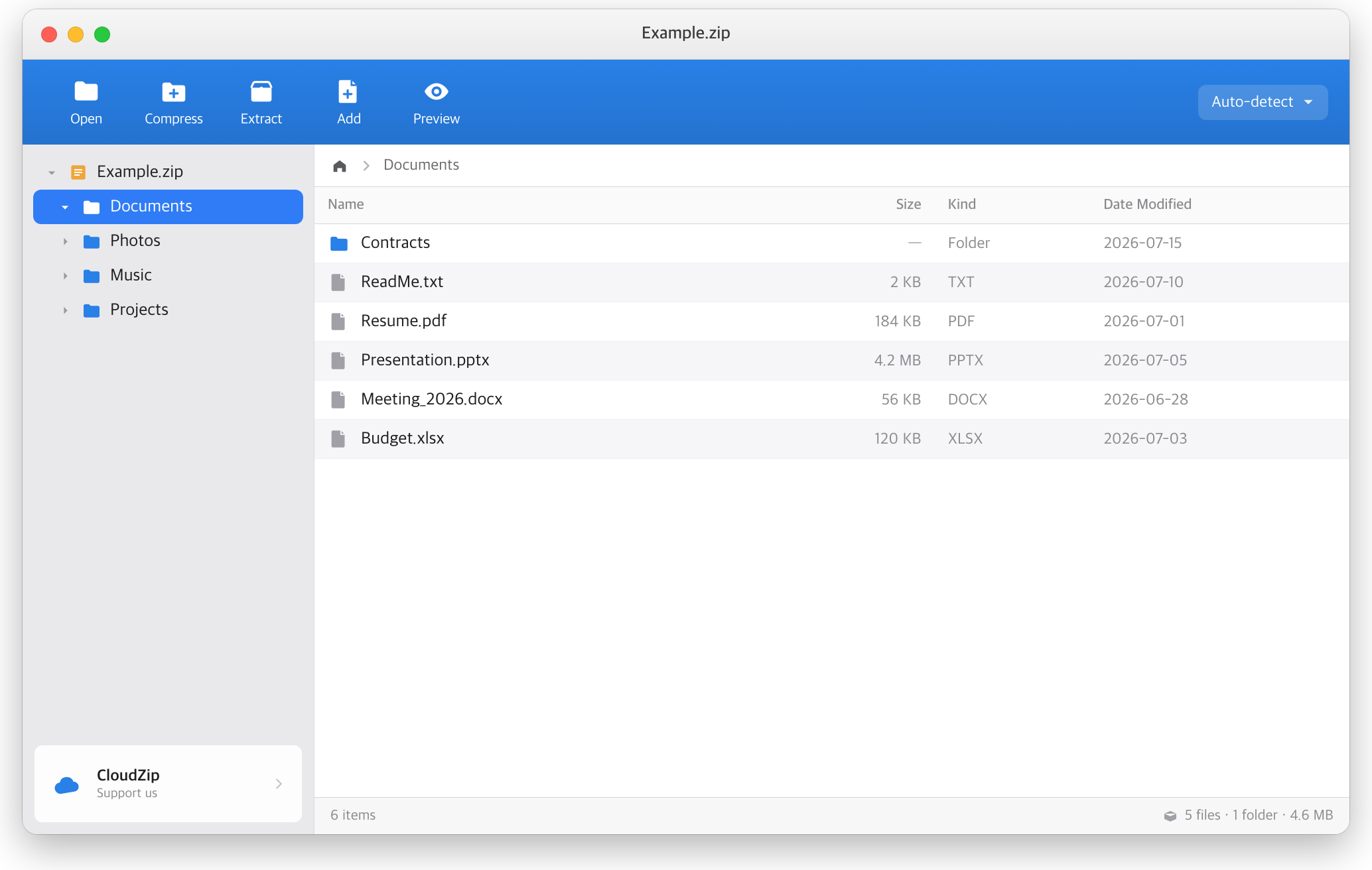
Edit ZIP Without Extracting
No need to fully unpack and repack — edit directly inside a ZIP.
- Add files and folders (drag & drop onto the list)
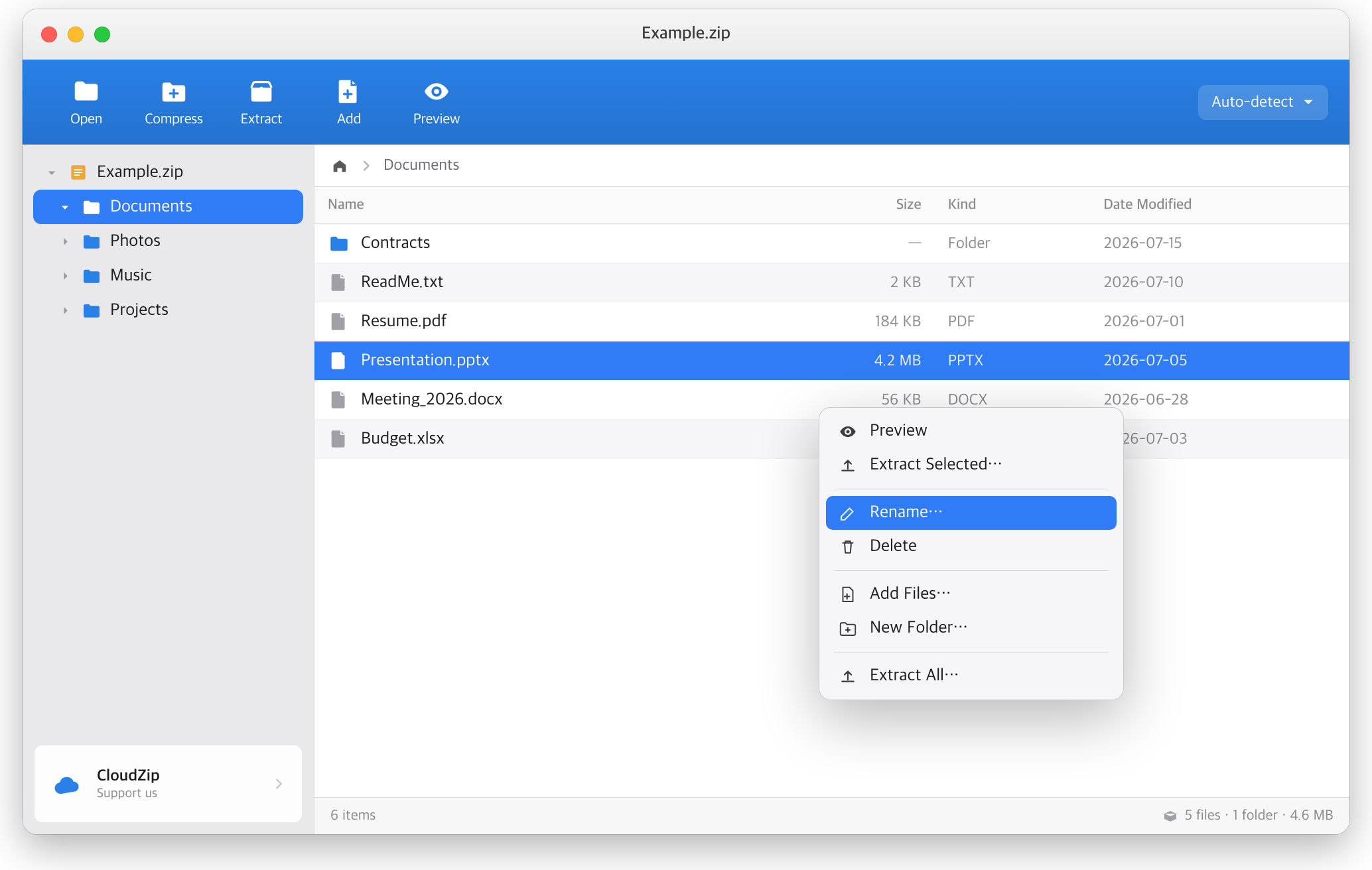
- Delete (Delete key / right-click)
- Rename and create a new folder
- Move items into another folder (drag onto the folder tree on the left)
Existing compressed data is left untouched and only the changes are written, so it's extremely fast.
No More Garbled Filenames
Legacy filename encodings (CP949, Shift-JIS, GBK) are automatically detected, so CJK filenames display and extract without corruption.
Deep Finder Integration
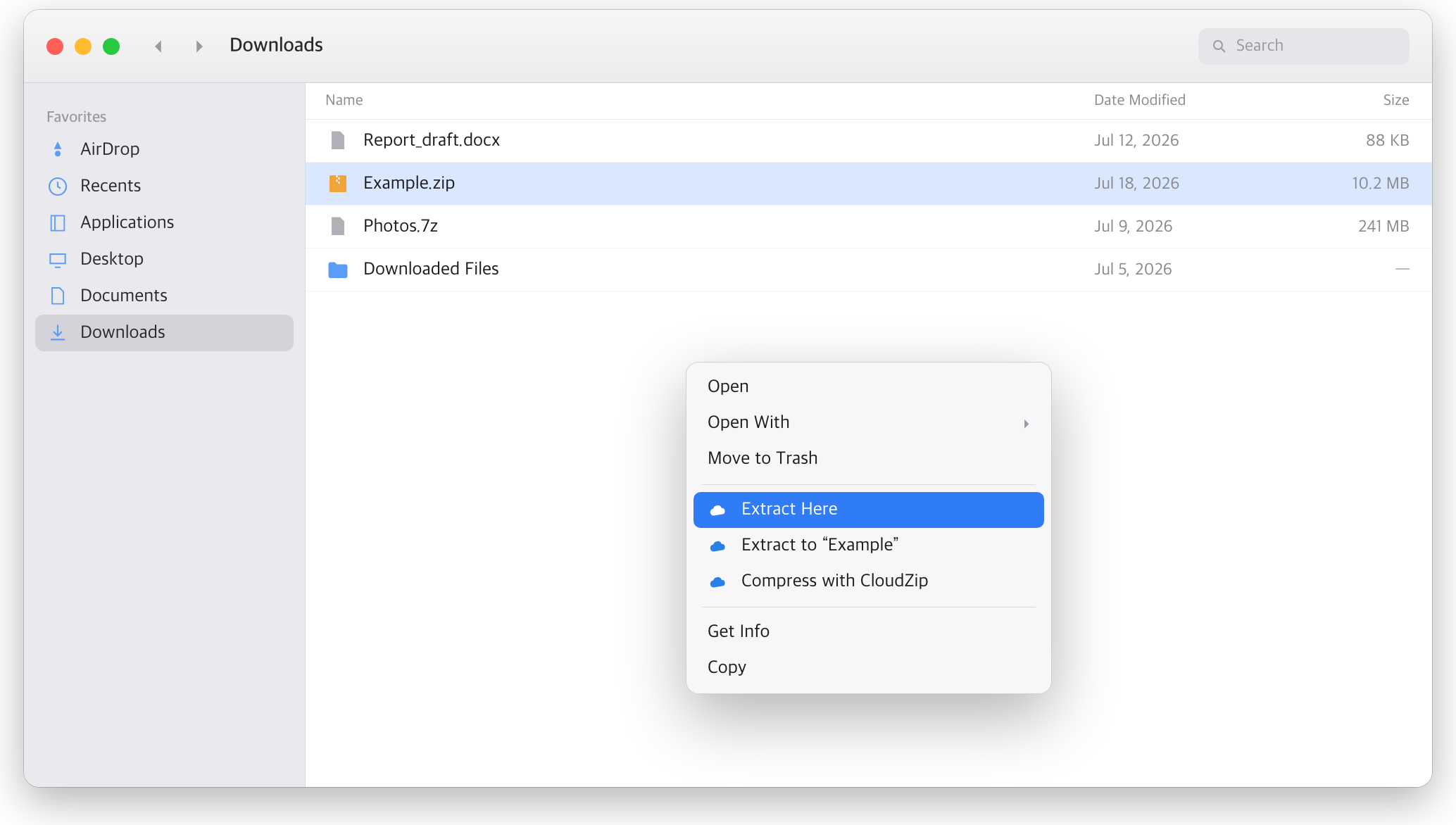
- Right-click → Compress / Extract right in Finder
- Drag files out of an archive straight into Finder to extract them
- Double-click an archive to open it in CloudZip
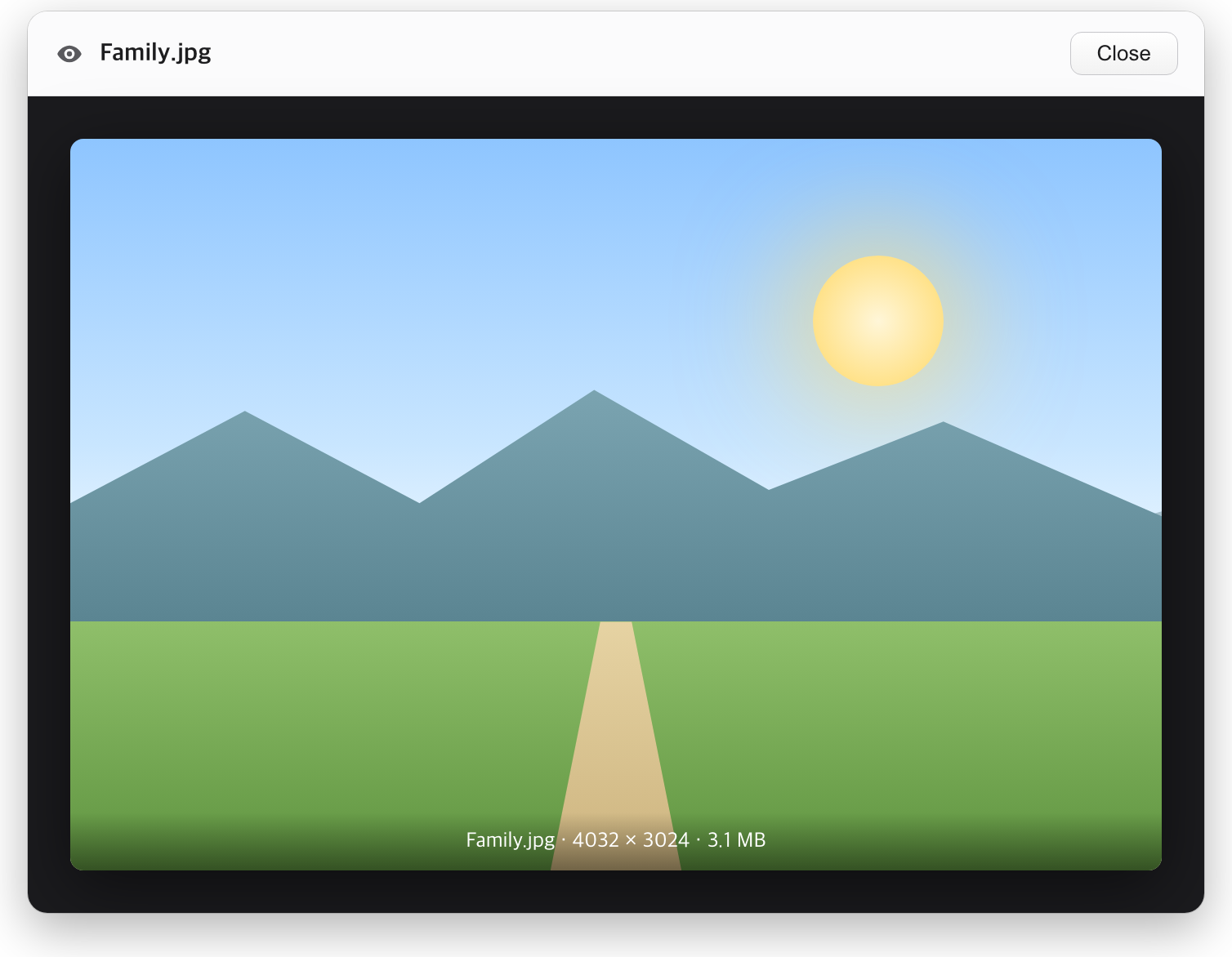
Quick Look Preview
Preview photos, documents, and more without extracting the archive.
Simple Drag & Drop
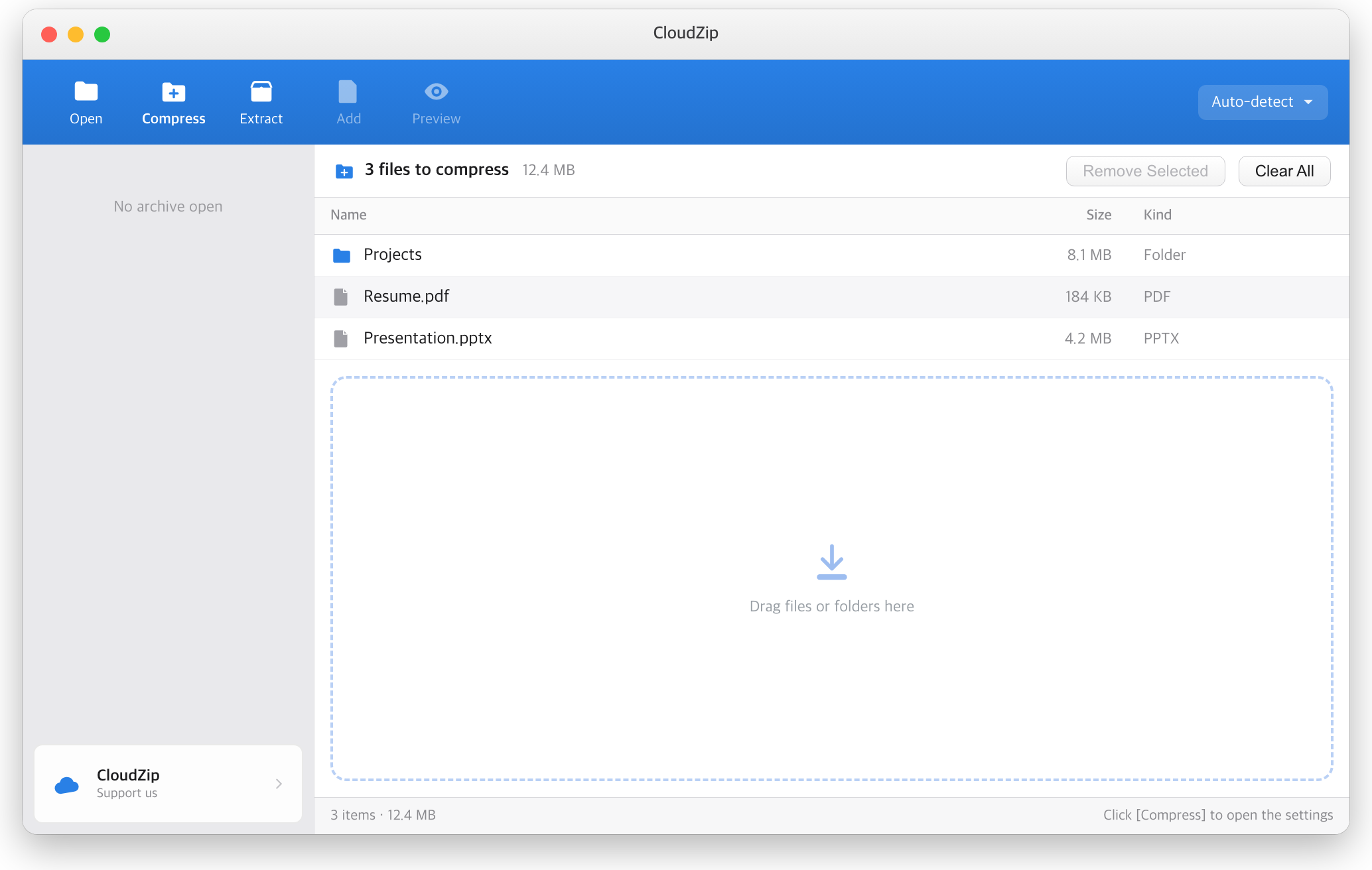
Just drag files and folders onto the window to queue them, then hit Compress.
Fine-Grained Preferences
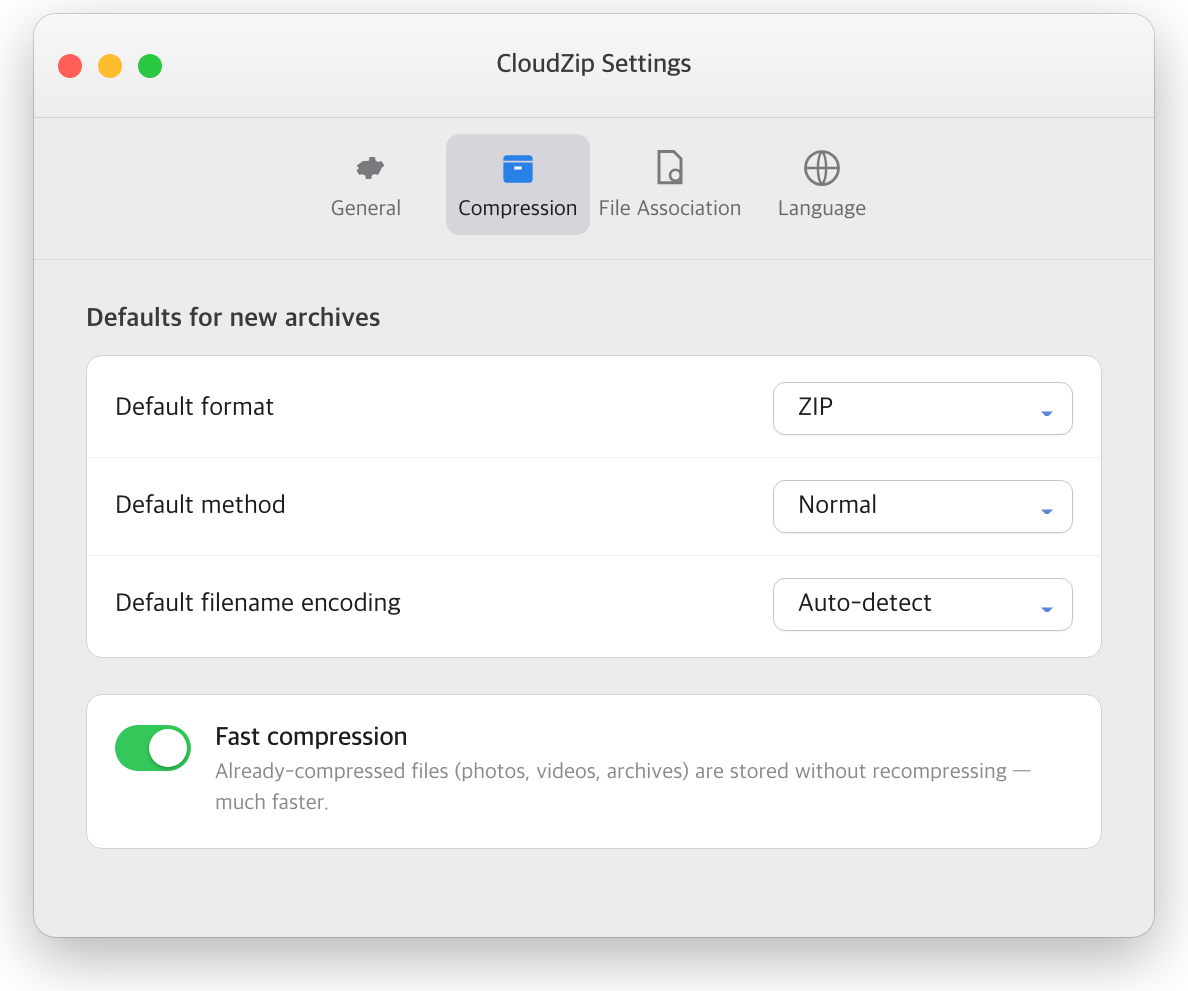
Set your default format, compression level, filename encoding, fast archiving, and file associations. Available in 5 languages: English, Korean, Japanese, Chinese (Simplified/Traditional).
Command-Line Tool
Beyond the GUI, the cloudzip terminal command can compress, extract, and list archives — great for scripts and automation.
cloudzip l archive.zip                   # list
cloudzip x archive.7z -o ./out           # extract
cloudzip c backup.tar.zst docs photos -l 9   # compress
Enable it once from the app menu: CloudZip → Install Command Line Tool…
ㅁ System Requirements
- macOS 13 Ventura or later
- Universal binary — runs natively on both Apple silicon (M1 and later) and Intel Macs
ㅁ Download & Install
On first launch macOS may show a security prompt. See the [install guide link] for step-by-step instructions.